Design Your Package
Choose a product, then drag your artwork directly onto the dieline to preview your design exactly as it will print.
New to print files? Read the artwork guideSelect a Product
Mylar Bag — Dieline Template
High-barrier resealable bag, full-wrap front print area · 3.5" × 5"
Drop your design file here
PNG, JPG, PDF, AI, PSD supported
Upload your artwork
PNG, JPG, PDF, AI, PSD — max 25MB
Or drag your file onto the dieline
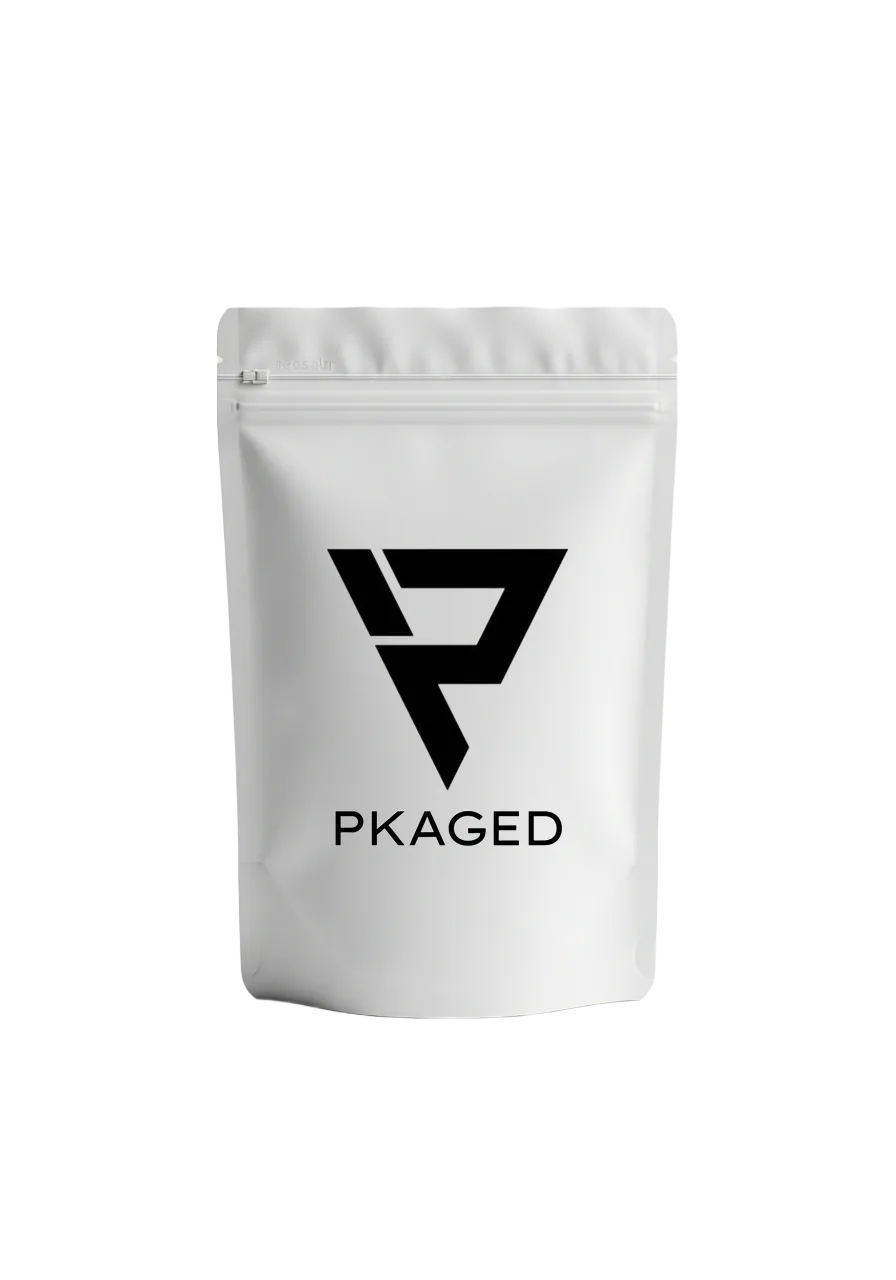
Mylar Bag
High-barrier resealable bag, full-wrap front print area
Template size: 3.5" × 5"
Print-ready dieline
Bleed, safe zone and finish spec sheet. Send it to your designer.
Bag dimensions and artwork checklistDesign Tips
- • Use 300 DPI resolution for best print quality
- • Keep text inside the safe zone (blue dashed line)
- • Extend backgrounds to the bleed line (red dashed)
- • Accepted: AI, PDF, PSD, EPS, SVG, PNG, JPG
Working with a dieline
A dieline is the flat, to-scale outline of your packaging: where it is cut, folded and sealed, and where print is safe. Designing on the right dieline is what makes the printed piece match your proof.
Bleed, trim and safe area
Extend background colour past the trim line into the bleed so no white edge shows after cutting, and keep logos and text inside the safe area, away from folds and seals.
Set up for print
Work in CMYK, outline all fonts, embed images at 300 DPI or more, and name any Pantone spot colours you need matched. Vector AI or PDF is best.
Not a designer? Send what you have
A logo is enough to start. We place it on the dieline and send a free digital proof, and nothing is printed until you approve it.